Saturday, 19 July 2014

How to withdraw money from Paypal in Pakistan

There are many foreign corporations who are paying you money for different online works such as freelancing, reviewing sites, click to earn and many more. Such renowned corporations include eBay, BuySellAds, Amazon etc. The problem is these sites mostly pay through PayPal which is not available in some regions including Pakistan. However, it is very necessary to Use Paypal within Pakistan, because without it, you can lose a lot of money. Therefore, we’ve created a simple guide which can show you the real method of using Paypal in Pakistan and also how to get your Paypal money in Pakistan. Let’s get started.
paypal to Pakistan

Making a New Photo looks Older in Adobe Photoshop

Hi there, I am here with another interesting tutorial on Adobe Photoshop. If you don't wish to follow this text procedure.


Step 1
At first open the picture you want to make older.

Picture in Ps

How to Fix "Your Aadhaar number is under generation..." Message

 Learn how to fix the error message "Your Aadhaar number is under generation. Please check back after few days".

 The solution can be said as 'Filing a complaint'. I am giving this as solution because it worked for me. I took Aadhaar on 2012 and till August 2013, the status was showing 'Your Aadhaar number is under generation. Please check back after few days.' After filing the complaint I got Aadhaar within a week. 


Step 1
At first, go through this link directly to file a complaint. This is the webpage you will get while going through the link...

Friday, 18 July 2014

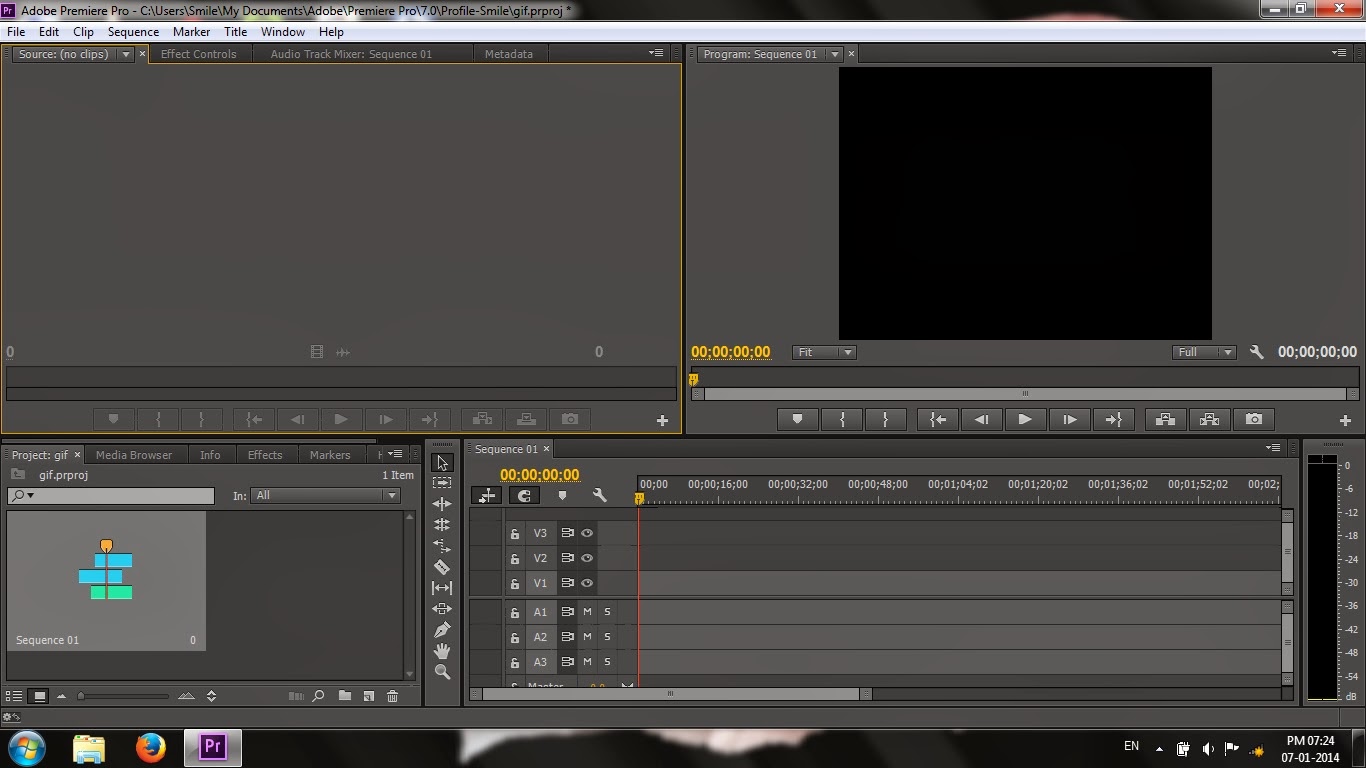
Making GIF from video in Adobe Premiere Pro - Tutorial


 Hi guys, I'll show you how to create GIF (Graphics Interchange Format) from videos using the software Adobe Premiere Pro. I am using CC version to give this tutorial.

Step 1
At first, create a new project in Premiere.

Project Window in Adobe Premiere Pro CC

Use of Content-Aware Move Tool in Adobe Photoshop


 The use of Content-Aware Move Tool in Adobe Photoshop helps digital artists to perform some specific tasks such as moving the selected pixels to a certain part of image, making a copy of selected pixels and replacing them with accurate match with nearby pixels. While using the tool, you may notice that it have some similarity with Clone Stamp Tool. In this tutorial I'll show you the use of this amazing tool in simple words.

Step 1 
At first open a picture that contains a group of specific things. Though it is not important, Content-Aware Move Tool works best with this type of pictures. Here is a picture I've opened in Photoshop.