Friday, 18 July 2014

Making GIF from video in Adobe Premiere Pro - Tutorial


 Hi guys, I'll show you how to create GIF (Graphics Interchange Format) from videos using the software Adobe Premiere Pro. I am using CC version to give this tutorial.

Step 1
At first, create a new project in Premiere.
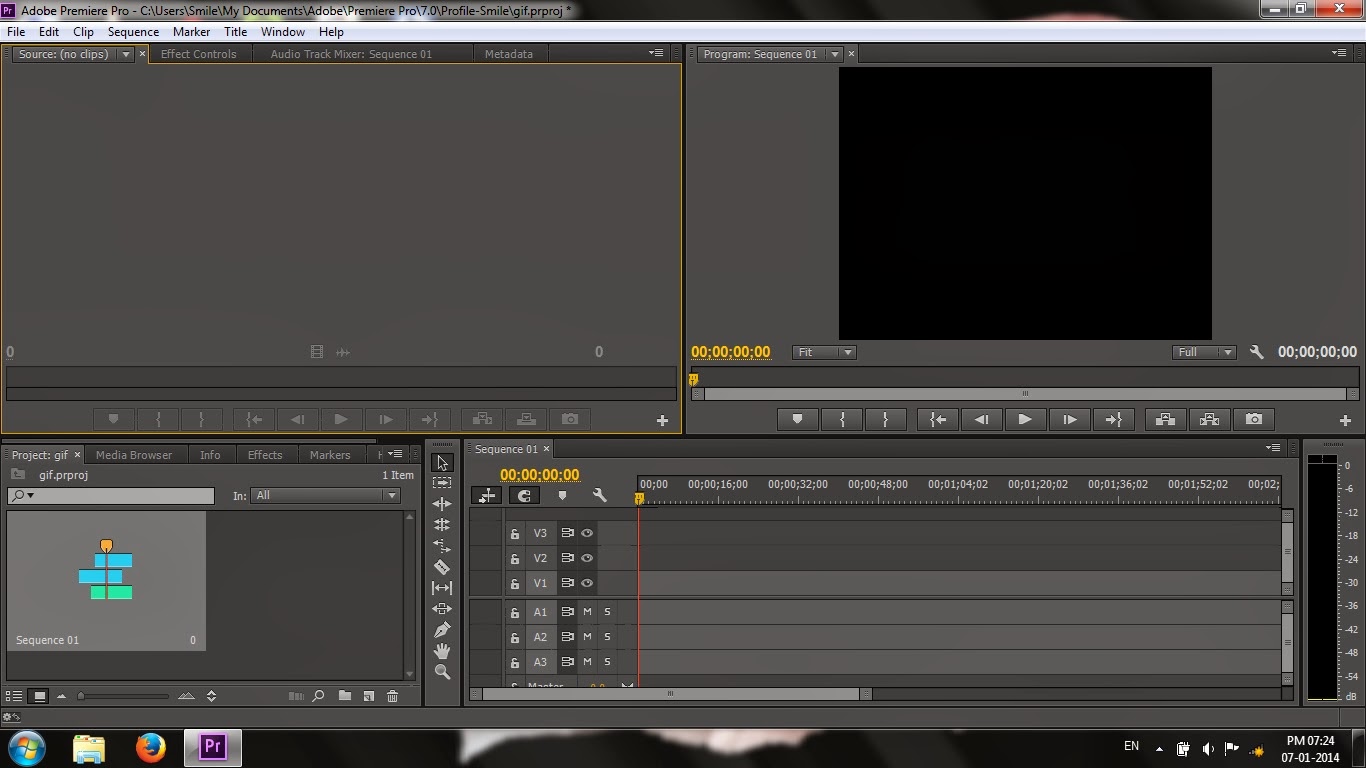
Project Window in Adobe Premiere Pro CC

Use of Content-Aware Move Tool in Adobe Photoshop


 The use of Content-Aware Move Tool in Adobe Photoshop helps digital artists to perform some specific tasks such as moving the selected pixels to a certain part of image, making a copy of selected pixels and replacing them with accurate match with nearby pixels. While using the tool, you may notice that it have some similarity with Clone Stamp Tool. In this tutorial I'll show you the use of this amazing tool in simple words.

Step 1 
At first open a picture that contains a group of specific things. Though it is not important, Content-Aware Move Tool works best with this type of pictures. Here is a picture I've opened in Photoshop.

How to Install and Uninstall Fonts in Windows

 In Windows installing and uninstalling fonts can be done easily. Let's see how we can install a font. Before that, if you are trying to install a font by downloading from a website, take care to download from a website that you can trust.

To Install a Font 

Step 1
Open the font which you want to install.

Font installing window

How to Fix Sudden Disappearance of System Icons in Windows

 You may face this issue while running Windows Vista or Windows 7 for the first time or after a long break. In most occasions, one or more of the icons listed below will disappear from lower-right corner of the Taskbar.

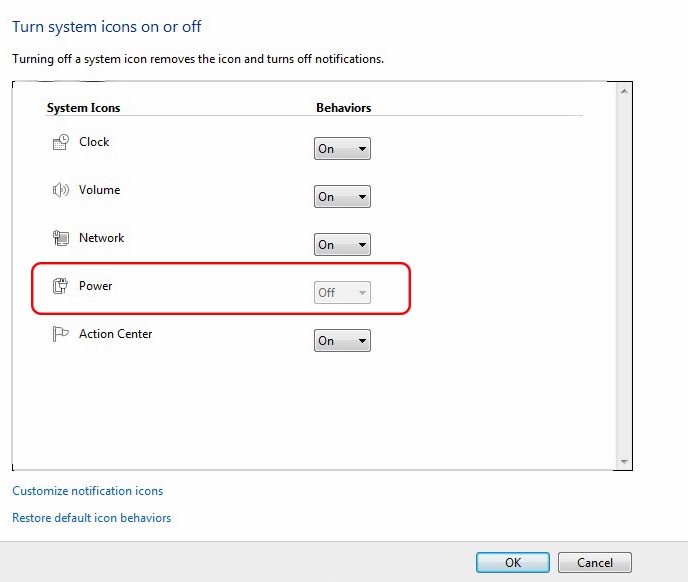
Most probably, you will try to make it appear by going through Turn system icons on or off in the Notifications tab in Taskbar. But you will be shocked to see that the icon (which is disappeared) can't be selected.


(Here) Power icon can't be selected

How to Create Subtitles (.srt files) without any Software


You might be excited to know how the subtitles in films are created. In this tutorial I'll show you how to create subtitles (.srt files) without the need of any additional other than our 'poor' Notepad.

Step 1
 
There is a simple format for creating subtitles in Notepad. You should assign it like this:

Format for creating subtitles in Notepad